Embedding
Since all code and state is stored in the URL, metaframe-js widgets can be embedded into any application that supports URL embeds.
Supported platforms
Any tool that lets you embed a URL or iframe works with metaframe-js:
- Notion — use the
/embedblock and paste yourframejs.ioURL - Obsidian — use an iframe in a markdown note:
<iframe src="https://framejs.io/..."></iframe> - Confluence, Coda, Google Docs — use their respective embed or iframe widgets
- Any note-taking or wiki tool — if it supports URL or iframe embeds, it works
How to embed
- Create your widget at framejs.io
- Copy the URL from the address bar
- Paste it into your platform's embed block or iframe
The embedded widget is fully interactive — users can see and interact with the output. The URL contains all the code, so there is nothing else to configure.
Open Graph (link previews)
When you paste a link, many apps (chat, social, docs) fetch the page and read metadata defined by the Open Graph protocol to show a title, description, and image nicely formatted. framejs.io supports this:
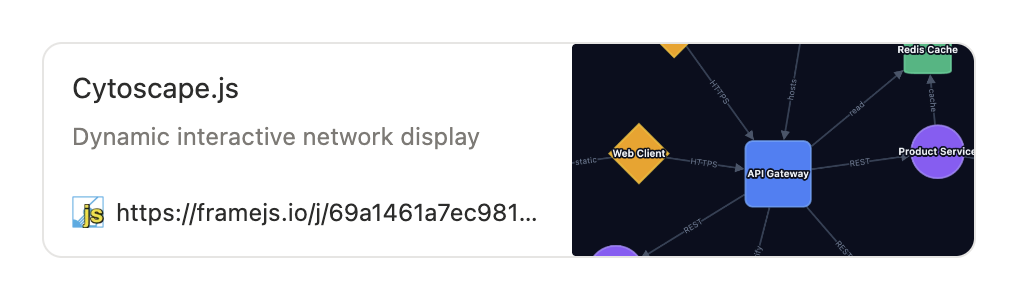
In the editor, open Settings and use the Open Graph section to set an optional title, description, and preview image (upload an image file; its URL is stored with the widget). That data is saved in the og hash parameter with the rest of the state.
For short URLs (/j/... from short URLs), the server injects og:title, og:description, and og:image into the HTML response, so crawlers can render a rich preview without running JavaScript. Long URLs that keep everything in the hash are less predictable for previews, because fragments are often not sent to the server. If you care how the link looks when shared, shorten the URL and fill in Open Graph fields first.
TIP
Use short URLs if the full URL is too long for your platform's embed input.